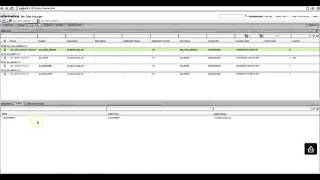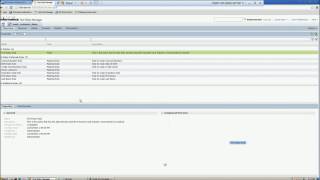
Learn how to create and delete a pass phrase in Test Data Management.
Create and Assign the Effective Dates Generation Rule in Test Data Management
Import Metadata from a Relational Database in Test Data Management
How to lock and unlock dataset
Editing a Pass Phrase in Test Data Management
Assign Default Masking Rules to Columns with Data Domain Assignments in Test Data Management
How to view and edit DataSet
Publishing a Data Pack to the Self-Service Portal in Test Data Management
How to create and reset from Datasets in TDW
Creating a Group in Test Data Management
Import a Data Domain Profile from the Developer Tool into Test Data Management
How to run the TDWQUERY to analyse data in dataset from command line
TDWCMD command line utility for Test Data Warehouse
Advance Text Search Filter
Multiple TDG rule assignment
How to replicate TDM Data Domain on Developer
Informatica Test Data Management – Demo
Column Profiling in TDM
Overview of the Test Data Management Self-Service Portal
Single Rule Assignment to multiple columns at once in TDM 10.1
TDM Hadoop Blaze execution
Create and Assign a Random String Generation Rule in Test Data Management
Creating and Deleting a Pass Phrase in Test Data Management
Resetting a Data Set Version in Test Data Management
How to Configure Auto Rule for TDG
How to classify tables in dataset
Data Coverage Analysis in Test Data Management
Create a Set of Values Generation Rule in Test Data Management
Success
Link Copied to Clipboard