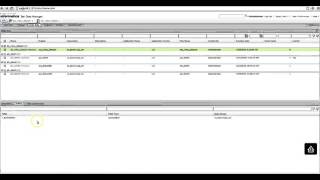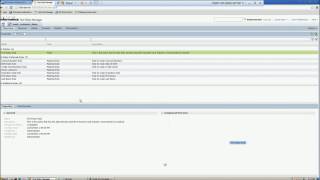
In this video, we will show how to create a Datasets in a Data Mart in Test Data Warehouse from a single table and reset the data to the original values.
Advance Text Search Filter
How to run the TDWQUERY to analyse data in dataset from command line
Import a Data Domain Profile from the Developer Tool into Test Data Management
Create and Assign the Effective Dates Generation Rule in Test Data Management
Create and Assign a Random String Generation Rule in Test Data Management
Publishing a Data Pack to the Self-Service Portal in Test Data Management
Resetting a Data Set Version in Test Data Management
Overview of the Test Data Management Self-Service Portal
How to lock and unlock dataset
How to create and reset from Datasets in TDW
Informatica Test Data Management – Demo
Single Rule Assignment to multiple columns at once in TDM 10.1
How to view and edit DataSet
How to replicate TDM Data Domain on Developer
Creating and Deleting a Pass Phrase in Test Data Management
Creating a Group in Test Data Management
Column Profiling in TDM
Data Coverage Analysis in Test Data Management
Editing a Pass Phrase in Test Data Management
TDWCMD command line utility for Test Data Warehouse
How to classify tables in dataset
Import Metadata from a Relational Database in Test Data Management
Create a Set of Values Generation Rule in Test Data Management
TDM Hadoop Blaze execution
How to Configure Auto Rule for TDG
Multiple TDG rule assignment
Success
Link Copied to Clipboard