13:02
3300 Views
|
06 Jan 2014
Add to Favorites
Remove from Favorites
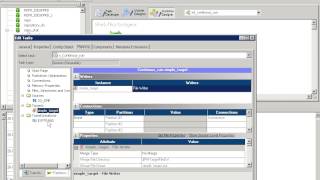
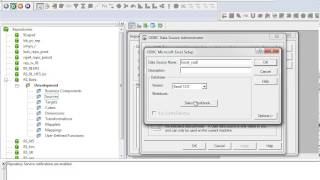
How to read an excel file using SequeLink driver in Power Center
This video describes how to:
- Defined DSN using 32-bit ODBC administrator.
Add DSN & DataSourceSOCODBCConnStr attribute in Sequelink using Sequelink console.
- Define the same DSN in odbc.ini on Informatica server
Informatica Support
206/410


05:14
Converting and adding of a self signed certificate to use a Webservice Consumer transformation


07:58
How to unassign services from an expired key and assign them to a valid key in 9.1.0 and 9.5.1




























07:08
How to automate the repository and domain back up process for disaster recovery in PowerCenter